What My Cat Accidentally Taught Me About Keyboard Shortcuts
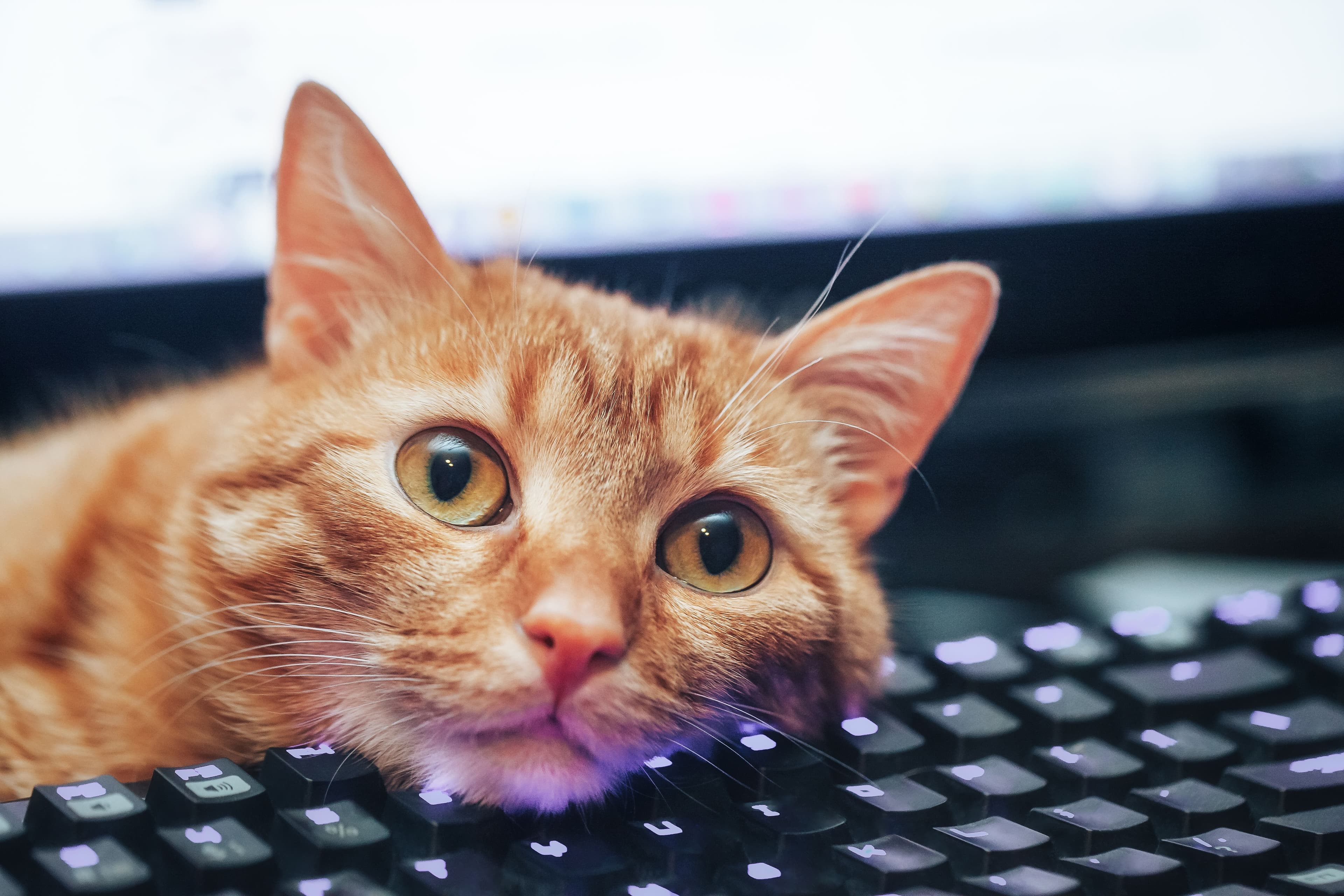
My cat Mira has an unusual hobby: walking across keyboards. Surprisingly, her chaotic strolls have revealed some genuinely useful computer shortcuts.

What My Cat Accidentally Taught Me About Keyboard Shortcuts
Most pet owners would consider a cat strolling across a laptop keyboard as purely destructive behavior. My cat Mira, however, seems to view it as a teaching opportunity. Every time she trots across the keys, she manages to trigger some obscure keyboard shortcut that sends me scrambling for answers. The result? A surprisingly useful education in computer functionality I never sought out on my own.
When All Your Windows Mysteriously Vanish
One of Mira's favorite tricks is making all open windows disappear at once. The first time it happened, I genuinely panicked — convinced hours of work had evaporated into thin air. A quick click on the dock eventually revealed everything was still intact, but the question remained: what on earth just happened?
On a Mac, the culprit is likely Command + Option + H, a shortcut that hides every open window except the active one. Alternatively, she may have triggered a virtual desktop switch through Mission Control using Control + Left/Right Arrow, making it appear as though everything had vanished.
Windows users aren't immune to this feline chaos either. Windows + Comma temporarily hides all open windows, while Windows + Ctrl + Left/Right Arrow switches between virtual desktops. Either way, the end result is the same: momentary panic followed by an unexpected lesson.
A Surprisingly Useful Screenshot Shortcut
As someone who takes screenshots regularly on a Mac, I was already familiar with Command + Shift + 4, which lets you capture a specific area of your screen. So when Mira triggered it one afternoon, I wasn't entirely caught off guard.
What did surprise me was discovering the Windows equivalent. Windows + Shift + S opens a similar screen-capture tool, allowing users to select and screenshot a specific region. It's a genuinely handy shortcut I hadn't known about before — and one I now use on a regular basis.
The Case of the Disappearing Dock
I typically keep my Mac dock hidden to maximize screen space. Mira, apparently, has other preferences. On one occasion, she walked across the keyboard and the dock suddenly reappeared — and stayed visible.
The shortcut responsible is Command + Option + D, which toggles dock visibility on and off. For users who didn't realize the dock could be hidden in the first place, accidentally triggering this could be genuinely disorienting. On the flip side, knowing this shortcut exists makes it easy to quickly show or hide the dock whenever needed.
Accidental Discoveries in Accessibility Features
Some of Mira's keyboard escapades have been harder to decode. On a few occasions, she's wandered across a keyboard and completely disabled its normal typing function — an outcome that's taken considerable research to even partially explain.
Windows includes several built-in accessibility features that can be unintentionally activated through specific key combinations:
Sticky Keys
Pressing the Shift key five times in succession activates Sticky Keys, an accessibility feature designed for users who have difficulty pressing multiple keys simultaneously. With Sticky Keys enabled, modifier keys like Shift, Ctrl, and Alt remain active after being pressed once — which can result in unexpected behavior like typing entirely in capitals. Tapping Shift a second time disables the Shift lock, and pressing Shift five more times turns off the feature entirely.
Filter Keys
If a cat — or anyone else — sits on the right Shift key for five seconds, Windows activates Filter Keys. This accessibility tool is designed for individuals with hand tremors, causing the system to ignore brief or repeated keystrokes. While it serves a genuinely important purpose, having it switch on unexpectedly can make typing feel completely broken.
Finding Value in Unexpected Lessons
There's something oddly satisfying about learning how your computer works through pure accident. Each time Mira triggers an unknown shortcut, the ensuing confusion eventually gives way to a new piece of practical knowledge. From hiding windows to capturing screenshots and toggling accessibility features, these are tools worth knowing — even if the discovery process is a little chaotic.
That said, training a cat to stay off the keyboard remains very much a work in progress.