Top iPad Apps That Will Unleash Your Inner Creative
Discover powerful yet underrated iPad apps that transform your tablet into a creative studio for art, design, video editing, and more.

Top iPad Apps That Will Unleash Your Inner Creative
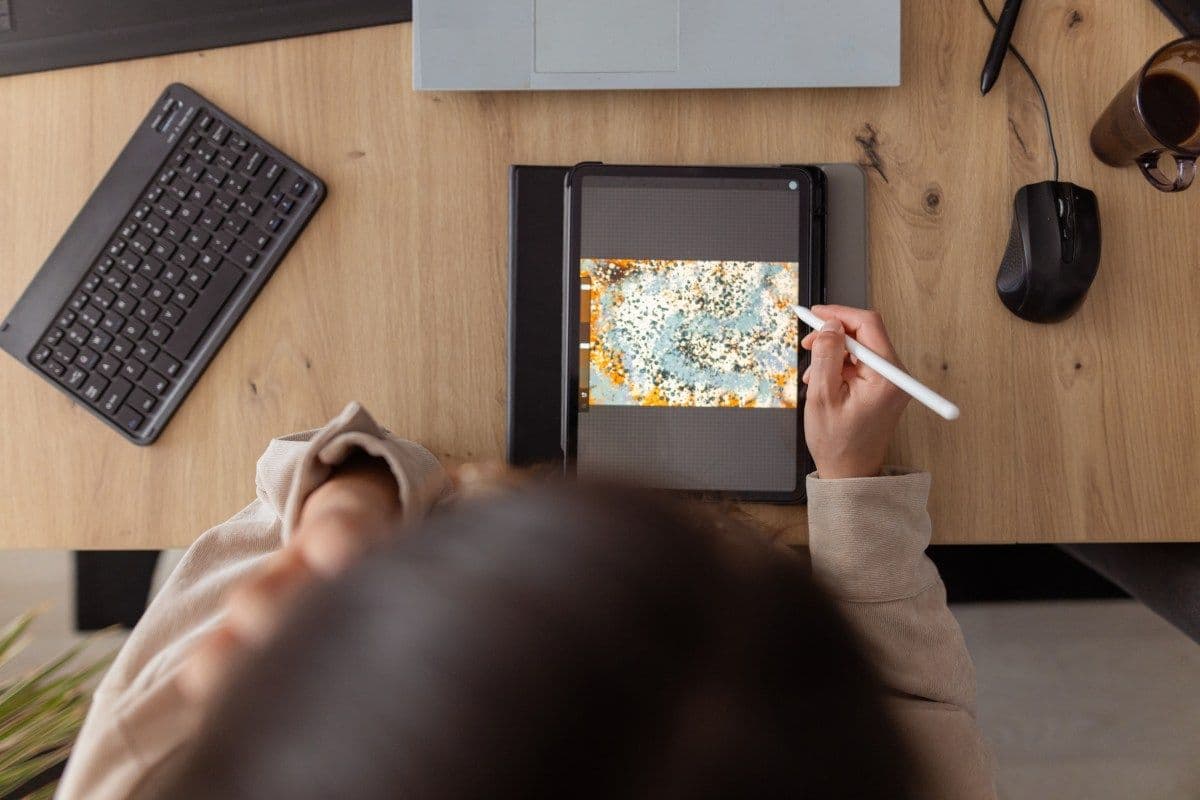
The iPad has evolved far beyond a simple streaming or browsing device. Thanks to Apple's relentless hardware improvements, today's iPads are genuinely powerful creative tools capable of producing professional-grade artwork, polished videos, and stunning graphic designs. Whether you're a seasoned creative professional or someone just beginning to explore a new hobby, there's an iPad app out there built specifically for you.
Below, we've rounded up some of the most impressive creative apps available on the App Store right now. One thing to note: you won't find Adobe's suite of tools on this list. Those apps are already widely recognized. Instead, we're shining a light on some equally capable — yet slightly less mainstream — alternatives worth adding to your home screen.
Lake – Coloring for Calm and Creativity
Not every creative app needs to confront you with a blank canvas. Lake takes a refreshingly laid-back approach to digital creativity, offering a library of hand-drawn illustrations from independent artists that you can color using a palette of over 700 colors and a variety of brushes.
For those who prefer total creative freedom, the app also includes a blank canvas mode and a coloring journal where you can capture your thoughts and ideas visually. Lake is ideal for beginners, casual users, or anyone looking for a mindful way to unwind after a long day. There are no rules here — drawing outside the lines is entirely welcome.
A limited selection of illustrations is available for free, while a full subscription unlocks the entire catalogue for $9.99 per month.
Procreate – The Gold Standard for Digital Artists
Procreate has earned its reputation as one of the best drawing apps ever made for iPad. The app provides a rich digital painting environment with dozens of brush types, intuitive gesture controls, and a clean, distraction-free interface that lets your creativity take center stage.
On compatible iPad Pro models, Procreate supports ultra-high-resolution canvases up to 16K by 8K — a feature that will impress even the most demanding professional illustrators. The app also handles storyboards, GIFs, animatics, and simple animations, and supports popular file formats including JPG, PNG, and TIFF.
Built-in tools like QuickShape, StreamLine, Drawing Assist, and ColorDrop take care of the technical details so you can focus on expressing your ideas. Once your piece is complete, the app's time-lapse Replay feature lets you watch your entire creative process play back in real time — a surprisingly satisfying experience that's also easy to share as a 30-second clip on social media.
Procreate is available as a one-time purchase for $12.99 — exceptional value for what it delivers.
LumaFusion – Professional Video Editing on the Go
If you've outgrown iMovie and are ready to step up your video editing game, LumaFusion is the natural next step. Designed with aspiring filmmakers and content creators in mind, it packs a surprisingly robust feature set into a mobile-friendly interface.
The app supports multilayer editing with 4K ProRes and HDR media, a wide range of visual effects and transitions, voice-over recording, and multilayer title creation with custom font and graphic imports. For audio enthusiasts, LumaFusion includes Graphic EQ, Parametric EQ, and voice isolation controls to help you achieve a polished final sound.
Projects can be exported in multiple aspect ratios, including 16:9 landscape, 9:16 portrait, square, widescreen film, and anamorphic formats — making it versatile for any platform or screen size.
LumaFusion is available for a one-time payment of $29.99, with optional add-ons for multicam editing and Final Cut Pro for Mac integration.
Canva – Design Made Simple for Everyone
Canva has long been a favorite for non-designers who need to produce great-looking visuals quickly. The iPad app brings the same user-friendly experience to your tablet, offering access to over 250,000 templates for everything from social media graphics and presentations to infographics, websites, and short videos.
Beyond templates, Canva includes photo editing tools, branding customization options, audio integration, and video cropping and speed controls. Its growing suite of AI-powered features adds another dimension to the creative process — tools like Magic Switch allow you to expand images intelligently, while Magic Media converts written ideas into generated visuals.
Canva's core features are available for free, with a premium subscription at $12.99 per month unlocking unlimited AI tools, advanced templates, and additional assets.
Affinity Designer 2 – A Professional Graphic Design Powerhouse
Affinity Designer 2 is a sophisticated graphic design platform that merges vector illustration, pixel-based texture work, and photo retouching into a single seamless application. It's built for professionals — including illustrators, UI/UX designers, web developers, and game artists — who need precision and versatility in one tool.
The app supports an extensive range of creative output, from logos, icons, and typography to concept art, posters, labels, and stickers. Full Apple Pencil compatibility means you get pressure sensitivity, tilt recognition, and precise stylus control throughout. Gesture-based shortcuts and customizable keyboard commands help keep your workflow fast, while the ability to zoom in to over 1,000,000% ensures pixel-perfect accuracy at every level.
Affinity Designer 2 is available for a one-time payment of $18.49 — a strong value for a professional-tier tool.
Concepts – Sketch, Plan, and Brainstorm Freely
Concepts is an infinitely flexible sketching environment designed for thinkers and makers who want to capture and develop their ideas fluidly. Whether you're mapping out a project, sketching design concepts, drafting storyboards, or building mindmaps, Concepts gives you the space and tools to do it all.
The app features realistic pens, pencils, and brushes that respond naturally to pressure and tilt. Standout tools like Nudge, Slice, and Select let you modify specific elements of a sketch without starting over. Scale and measurement tools are built in to help you work with real-world dimensions, and a customizable tool wheel keeps your most-used functions within easy reach.
Basic features are free to use, while a $4.99 monthly subscription unlocks premium editing tools and the ability to create custom brushes.
Tayasui Sketches – A Beautifully Simple Drawing Experience
Tayasui Sketches offers an approachable yet capable drawing and sketching environment for iPad users of all skill levels. The app stands out with its realistic watercolor brushes, digital acrylic tools, color blending capabilities, and gradient and depth effects that bring a natural feel to digital artwork.
A handy multitasking mode lets you open a second app alongside Sketches and drag layers or documents between them — a useful workflow feature for those who reference materials while creating. A dedicated Zen Mode strips away all interface distractions so you can focus entirely on the act of creating. You can also import your own images to incorporate into your work, and organize finished pieces into custom folders for easy access.
Final Thoughts
The App Store is packed with creative tools that can genuinely transform the way you use your iPad. Whether you're looking to relax with some casual coloring, develop serious illustration skills, cut together polished video content, or design professional graphics, there's an app on this list built to meet you where you are. The best part? Many of them offer free tiers or affordable one-time purchase options, making creativity on the iPad more accessible than ever.