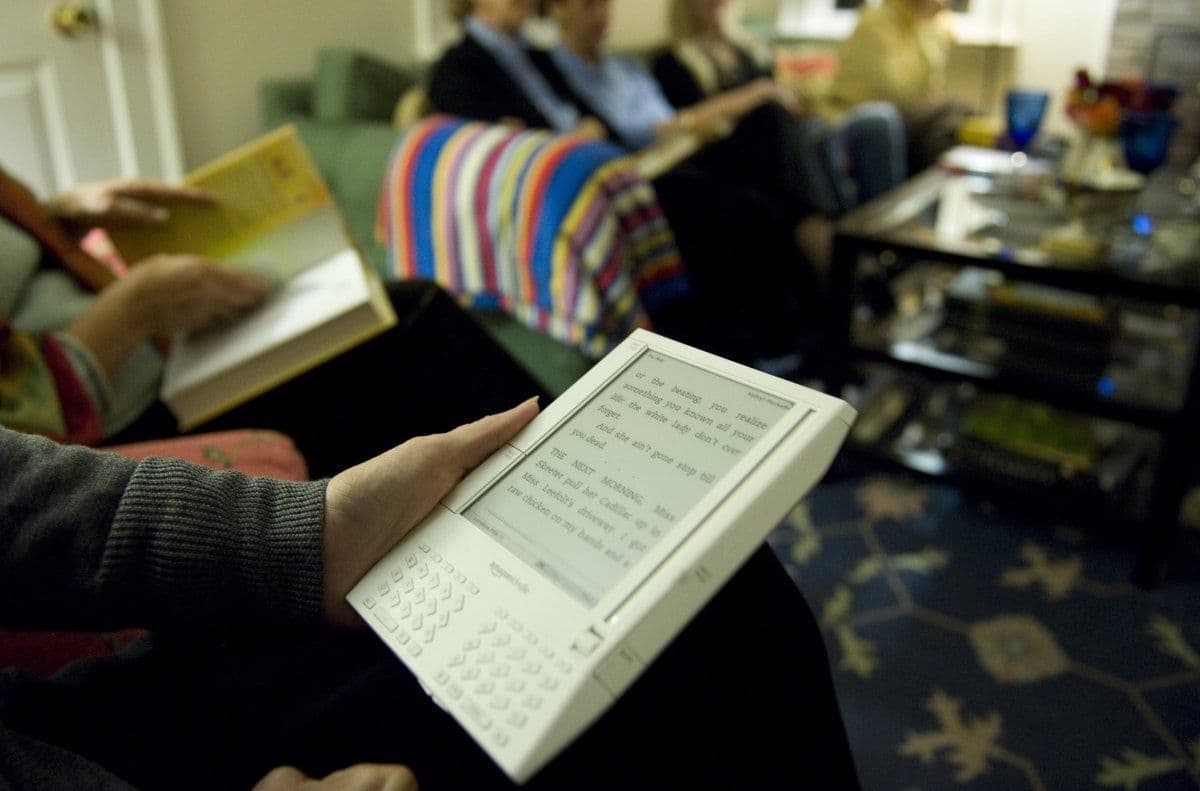
Kindle Owners Fight Back: Why Thousands Are Jailbreaking Their Devices After Amazon Drops Support
Amazon is pulling the plug on older Kindle models, but tech-savvy users aren't giving up — they're jailbreaking their devices to keep them alive.

Amazon Cuts Support for Older Kindles — and Users Are Pushing Back
When Amazon announced it would be ending technical support for a range of older Kindle devices effective May 20, many owners assumed their trusty e-readers would soon become expensive paperweights. Instead, a growing number of them are taking matters into their own hands — by jailbreaking their devices.
The decision by Amazon means that affected Kindle models will no longer receive software updates or be able to sync new purchases. Users will be limited to reading content already stored on the device. For avid readers who rely on their Kindles daily, that's simply not an acceptable outcome.
What Does Jailbreaking a Kindle Actually Mean?
Jailbreaking refers to the process of removing the software restrictions that Amazon builds into its Kindle ecosystem. Once those restrictions are bypassed, users gain the ability to:
- Install custom fonts and personalized screensavers
- Access alternative reading applications
- Use third-party tools that significantly expand the device's capabilities
- Continue downloading and managing new reading content
For many Kindle owners, the motivation is straightforward: they paid for a device that still works perfectly well, and they shouldn't be forced to buy a replacement simply because Amazon has decided to move on.
The Risks You Need to Understand Before You Start
Jailbreaking is not without its dangers, and anyone considering it should go in with eyes wide open.
Device Compatibility Is Not Guaranteed
Not every Kindle model or firmware version supports the jailbreaking process. Before attempting anything, owners must research whether their specific device and software version are compatible. Skipping this step could spell disaster.
Things Can Go Wrong — Seriously Wrong
The most significant risk is what the tech community calls "bricking" — essentially rendering your device completely non-functional. If something fails during the jailbreaking process, you may end up with a device that does nothing at all, which is arguably worse than a device with limited functionality.
Performance and Battery Life May Suffer
Running unofficial or third-party software on a jailbroken Kindle can introduce instability. App crashes, sluggish performance, and noticeably reduced battery life are all real possibilities that users should factor into their decision.
Disclaimer: This article is intended for informational purposes only. Always ensure your actions comply with applicable laws and terms of service.
A Safer Alternative: Sideloading Books via USB
For those who want to continue adding books to their older Kindle without taking on the risks associated with jailbreaking, there is a simpler option. You can sideload content directly onto your device using a standard USB cable connected to a computer — no system modifications required. This method allows you to transfer compatible e-book files without touching the device's core software.
Considering a New Device? These Are Worth a Look
If jailbreaking feels too risky and sideloading doesn't fully meet your needs, the e-reader market has expanded well beyond Amazon's ecosystem. A few notable alternatives include:
- Boox Palma — A versatile Android-based e-reader with broad app support
- Vivlio E-Reader — A solid option popular in European markets
- Xteink X3 — A compact, innovative device designed to attach directly to the back of your smartphone
Each of these offers a fresh start without the dependency on Amazon's support cycles.
The Bigger Picture
The wave of Kindle jailbreaking activity reflects a broader conversation in the tech world about device ownership and the right to repair. When a company ends support for a product, users who invested money in that product are left to decide: upgrade, adapt, or find creative workarounds. For a significant portion of Kindle owners, jailbreaking represents a form of digital self-reliance — a refusal to let a perfectly functional piece of hardware go to waste.